JavaScript is disabled in your browser. Please enable JavaScript to use all features of Guideflow.
Sign in
Try Guideflow
1.
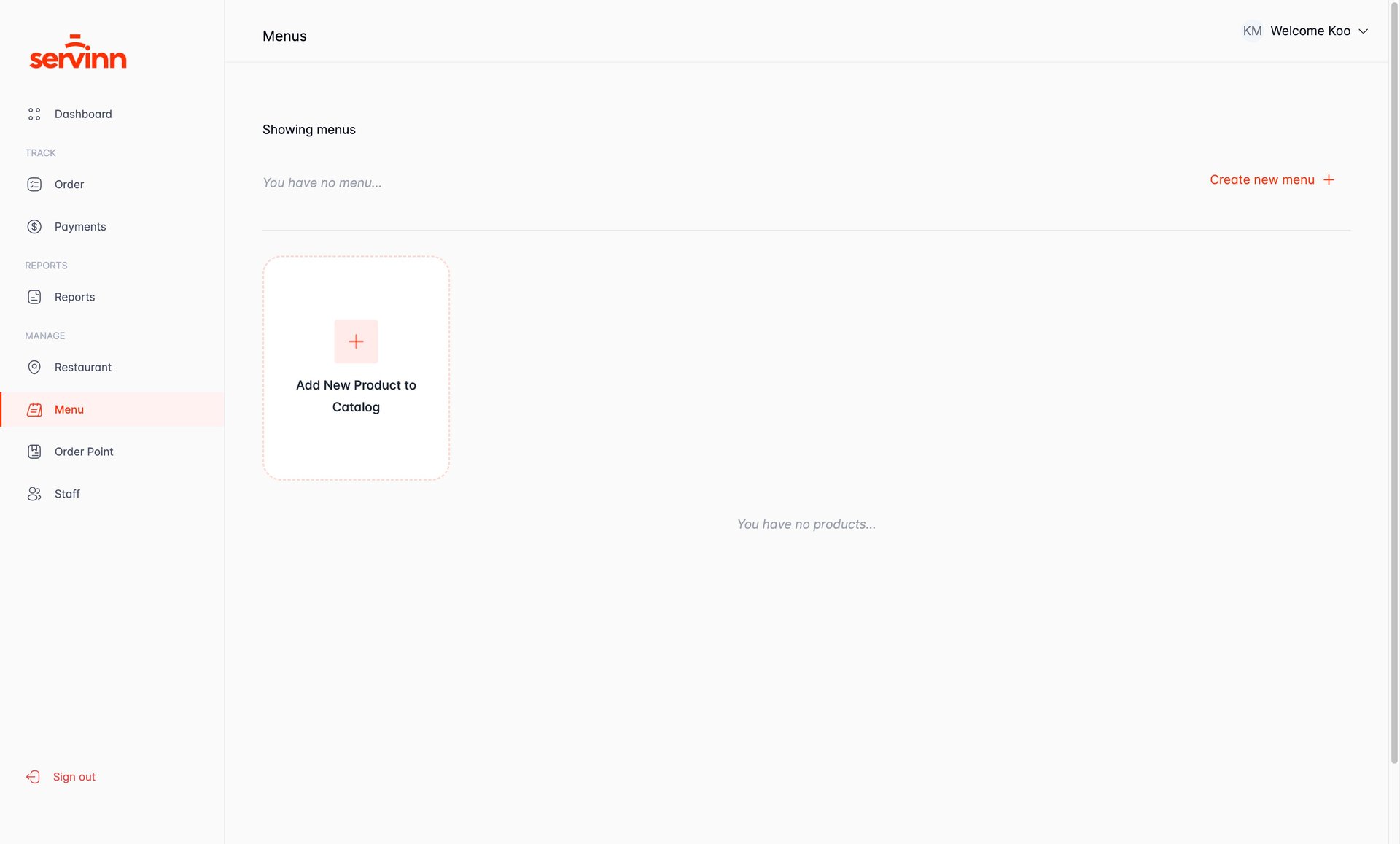
How To: Create Catalog & Products
2.
Navigate to Catalog Page
3.
Click Create new Catalog button
4.
Upload a Catalog Image(optional)
5.
Enter Catalog Details - Catalog Name
6.
Enter Catalog Details - Catalog Description
7.
Create the Catalog
8.
Select the Catalog to Add Product to
9.
Open the Create a Product form
10.
Upload a Product Image(optional)
11.
Enter Product Details - Item Name
12.
Enter Product Details - Item Description
13.
Enter Product Details - Price of Product
14.
Create the Product
15.
Add More Products (Optional)
16.
Successful Creation of Catalog and Product
My Guideflow
Guideflow
.
Guideflow
.
1
/16
Close menu
1.
How To: Create Catalog & Products
2.
Navigate to Catalog Page
3.
Click Create new Catalog button
4.
Upload a Catalog Image(optional)
5.
Enter Catalog Details - Catalog Name
6.
Enter Catalog Details - Catalog Description
7.
Create the Catalog
8.
Select the Catalog to Add Product to
9.
Open the Create a Product form
10.
Upload a Product Image(optional)
11.
Enter Product Details - Item Name
12.
Enter Product Details - Item Description
13.
Enter Product Details - Price of Product
14.
Create the Product
15.
Add More Products (Optional)
16.
Successful Creation of Catalog and Product
Sign in
Try Guideflow