JavaScript is disabled in your browser. Please enable JavaScript to use all features of Guideflow.
Sign in
Try Guideflow
1.
How To: Create an Entry Point
2.
Navigate to the Entry Points Page
3.
Open the Create Entry Point Form
4.
Enter Entry Point Details - Entry Point Name
5.
Enter Entry Point Details - Entry Point Area
6.
Enter Entry Point - Entry Point Allowed Number of People
7.
Set Entry Point Status
8.
Create the Entry Point
9.
Download the QR Code
10.
Copy the Access Link (Optional)
11.
Successful Creation of Entry Point
My Guideflow
Guideflow
.
Guideflow
.
1
/11
Close menu
1.
How To: Create an Entry Point
2.
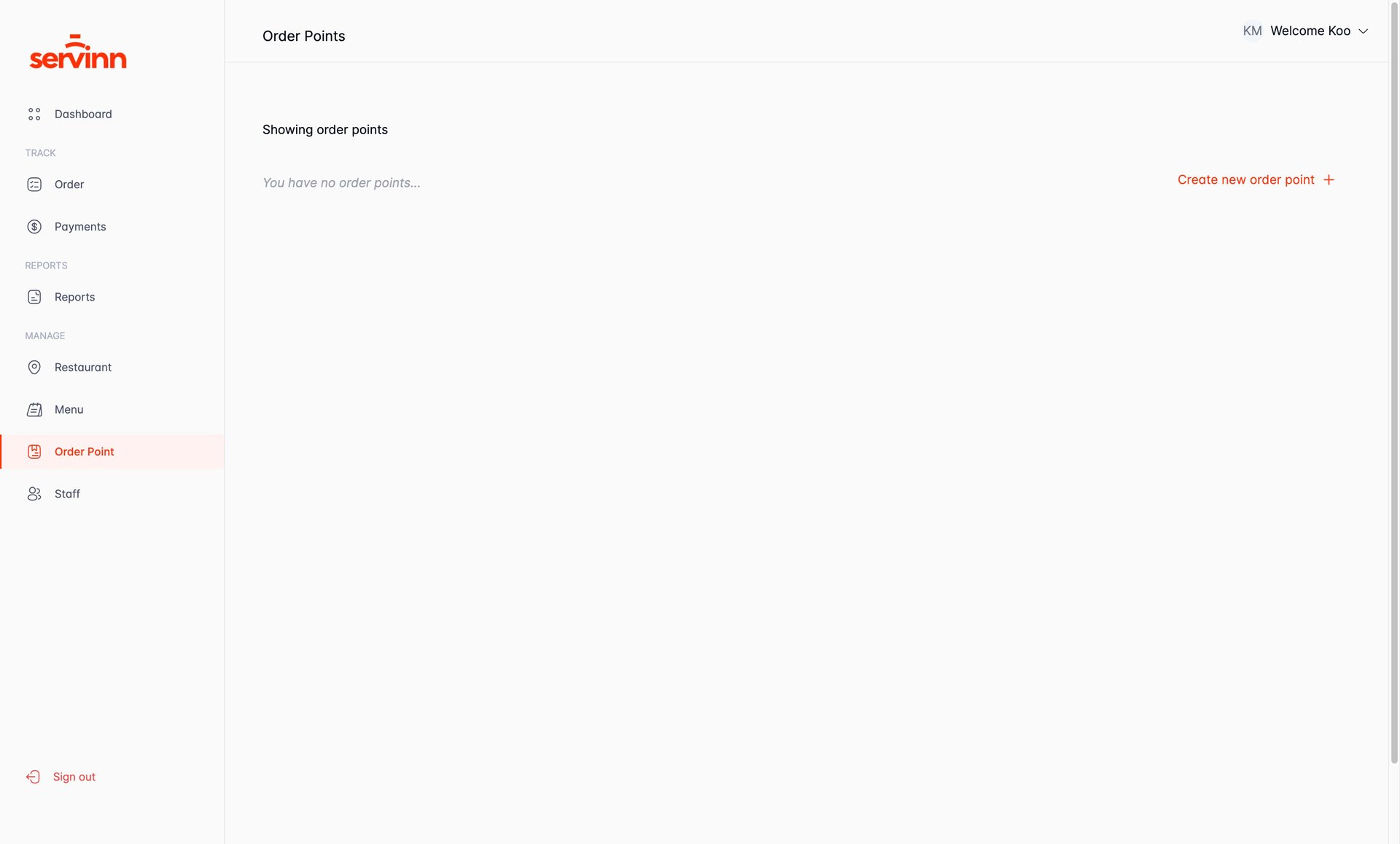
Navigate to the Entry Points Page
3.
Open the Create Entry Point Form
4.
Enter Entry Point Details - Entry Point Name
5.
Enter Entry Point Details - Entry Point Area
6.
Enter Entry Point - Entry Point Allowed Number of People
7.
Set Entry Point Status
8.
Create the Entry Point
9.
Download the QR Code
10.
Copy the Access Link (Optional)
11.
Successful Creation of Entry Point
Sign in
Try Guideflow